

South Korea eSIM Plans

eSIM for South Korea's
Instant data in South Korea's. No roaming fees. No SIM swapping.
Internet & mobile coverage in South Korea's
South Korea's has excellent mobile infrastructure with widespread 4G LTE and growing 5G networks in major cities. Our South Korea's eSIM connects you automatically to the strongest local network so you get fast, reliable data from the moment you land.
Whether you're navigating busy city streets, heading to remote scenic areas, or catching your flight home, a GlobaleSIM South Korea's data plan keeps you online without the surprise roaming bills. Dual SIM means your home number stays active alongside your local data.
What travelers use data for in South Korea's
Connectivity tips for South Korea's
-
01
Activate your South Korea's eSIM before your flight — enable data when you land and you're instantly online.
-
02
Use data-heavy apps freely — navigation, translation, ride-hailing — without worrying about roaming costs.
-
03
Your home SIM stays active for calls and SMS. Use GlobaleSIM purely for data in South Korea's.
eSIM vs Local SIM vs Roaming in South Korea's
Not sure which option is best for your South Korea's trip? Here's a clear comparison.
| Best choice GlobaleSIM | Local SIM | Home Roaming | |
|---|---|---|---|
| Buy before your trip | ✓ Yes | ✗ No | ✓ Yes |
| No setup at airport | ✓ Yes | ✗ No | ✓ Yes |
| Keep home number | ✓ Yes | ✗ No | ✓ Yes |
| Predictable cost | ✓ Fixed price | Varies | ✗ Often high |
| Local price / data | ✓ Yes | ✓ Yes | ✗ No |
| Instant activation | ✓ 3 min | 30–60 min | ✓ Automatic |
| No SIM ejector needed | ✓ Yes | ✗ Required | ✓ Yes |
| Starting cost | $0.60 USD | Varies | Usually higher |
Prices and setup times are estimates. Local SIM availability varies by airport and city.
How Global eSIM Works
There’s no physical SIM card, no roaming activation, and no complicated setup. Follow these three easy steps to get connected anywhere in the world.
Choose Your Travel Destination
Select the country or region you’re traveling to and browse available eSIM data plans. Whether you need a local eSIM for a single destination or a regional plan covering multiple countries, Global eSIM offers flexible options tailored to your travel needs.
Purchase Your eSIM Plan Securely
Complete your order through our secure checkout. Once payment is confirmed, your eSIM profile is delivered instantly by email. There are no contracts, no hidden fees, and no physical SIM card required.
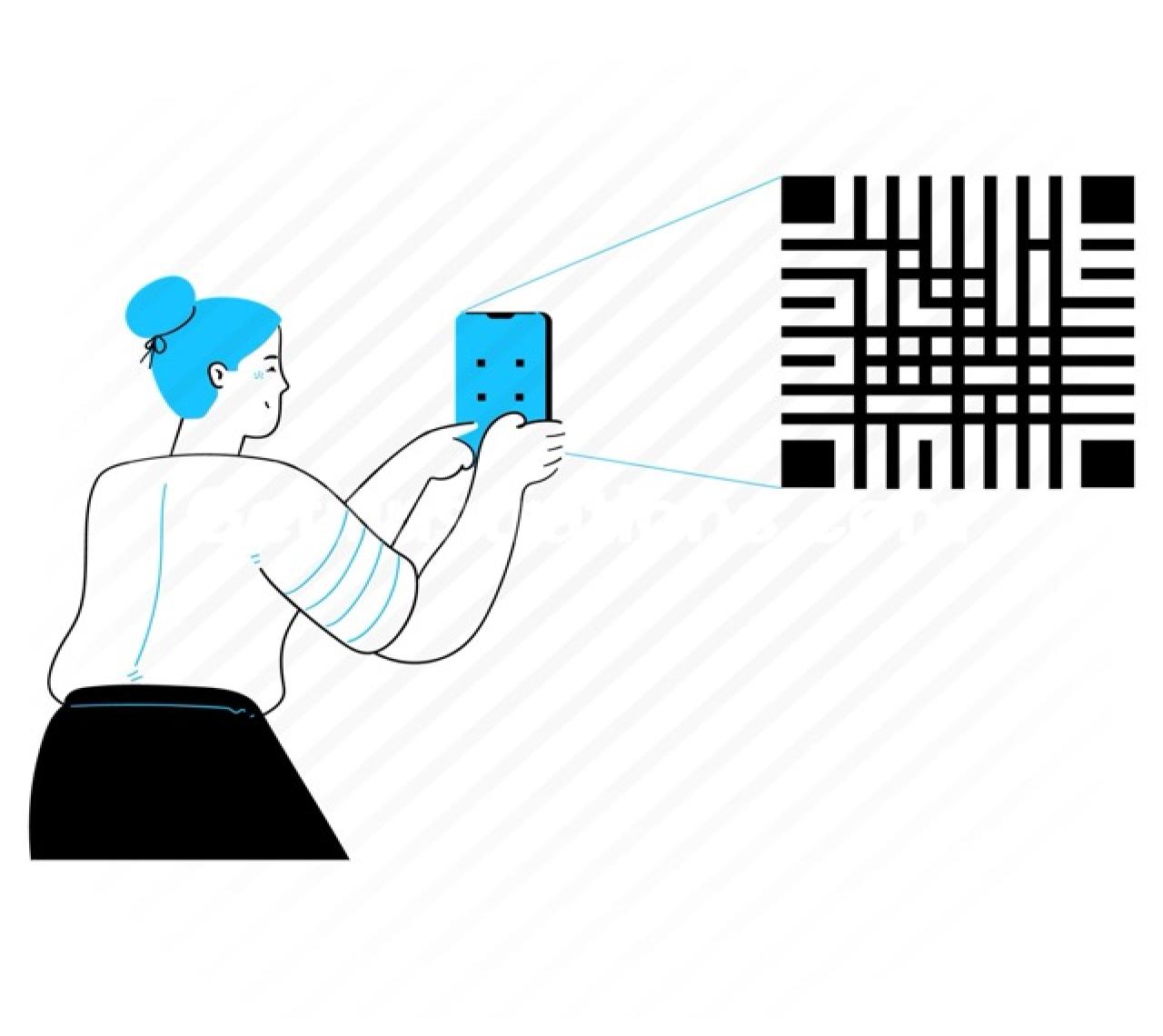
Scan the QR Code & Activate Instantly
Open your device settings, scan the eSIM QR code provided, and install your mobile data plan in seconds. After activation, your device connects automatically to supported networks at your destination — giving you reliable 4G or 5G data without roaming charges.


How to set up your South Korea's eSIM
Takes under 3 minutes. Do it at home before your trip for the smoothest experience.
-
1
Pick a plan & pay securely
Choose your South Korea's data plan above. Plans range from $0.60 USD to $89.00 USD. We accept all major cards — checkout takes 60 seconds.
-
2
Receive your QR code instantly
A QR code and setup instructions land in your inbox within seconds of payment. No waiting, no delays.
-
3
Install the eSIM on your device
iPhone: Settings → Mobile Data → Add eSIM → scan QR code.
Android: Settings → Connections → SIM Manager → Add eSIM. -
4
Enable data when you arrive in South Korea's
Switch your active data line to GlobaleSIM when you land. You're online instantly with 4G/5G speed — before you even leave the airport.
Ready for South Korea's?
- Instant QR delivery
- No roaming fees
- Cancel anytime
- 24/7 support
Secure checkout · No contracts
Which phones work with a South Korea's eSIM?
Any eSIM-compatible device works with our South Korea's plans. Most phones released after 2018 are supported.
- iPhone 15 series (eSIM only in US)
- iPhone 14 / 14 Pro series
- iPhone 13 / 13 Pro series
- iPhone 12 / 12 Pro series
- iPhone SE (2nd & 3rd gen)
- iPhone 11 / 11 Pro / XS / XR
- Galaxy S24 / S24+ / S24 Ultra
- Galaxy S23 series
- Galaxy Z Fold 5 / Z Flip 5
- Galaxy S22 / S21 series
- Galaxy Note 20 series
- Galaxy A54 / A34
- Google Pixel 8 / 8 Pro
- Google Pixel 7 / 7a / 7 Pro
- Google Pixel 6 / 6a / 6 Pro
- OnePlus 12 / 11 (select)
- Motorola Razr 2023+
- iPad (2018 and later)
What travelers say about South Korea's eSIM
"Worked perfectly from the moment I landed. Setup took 2 minutes and I had fast data throughout my trip."
"Best travel eSIM I've used. Reliable 4G everywhere I went. Will definitely use for my next trip."
"Incredibly easy. Scanned the QR code at the airport and was connected before I even left the terminal."
Trusted by 50,000+
travelers worldwide
"Set up in 3 minutes before my flight. Landed in Tokyo with full 5G — never touched my carrier roaming plan. Saved over £140 on a two-week trip."
"I travel for work 20+ times a year. Switched from airport SIMs to GlobaleSIM — save $50 and two hours of queuing every trip."
"Three years nomadic across 40+ countries. GlobaleSIM is the only service that consistently works — widest coverage, honest pricing, support in minutes."
"Eight countries on one regional eSIM — never lost signal crossing a border. The data dashboard let me track exactly what I had left the whole trip."
"Our whole team used GlobaleSIM for a 10-day Asia conference — 12 people, zero setup issues. Finance loved how simple it was to expense."
"Set up in 3 minutes before my flight. Landed in Tokyo with full 5G — never touched my carrier roaming plan. Saved over £140 on a two-week trip."
"I travel for work 20+ times a year. Switched from airport SIMs to GlobaleSIM — save $50 and two hours of queuing every trip."
"Three years nomadic across 40+ countries. GlobaleSIM is the only service that consistently works — widest coverage, honest pricing, support in minutes."
"Eight countries on one regional eSIM — never lost signal crossing a border. The data dashboard let me track exactly what I had left the whole trip."
"Our whole team used GlobaleSIM for a 10-day Asia conference — 12 people, zero setup issues. Finance loved how simple it was to expense."
"Used the global plan across 6 countries. It picked up 5G in Dubai, Seoul and New York without changing a setting. Never going back to local SIMs."
"As a freelancer I need reliable internet abroad constantly — video calls, 8GB file uploads. GlobaleSIM never throttled me once. Incredible value."
"Visiting family while staying connected to work in the UK. My home number still rang via Wi-Fi calling. Zero roaming charges on my bill. Astonishing."
"Filming YouTube across Vietnam, Cambodia and Thailand — uploading 10GB+ of footage a week. GlobaleSIM never failed once. Topped up in under a minute."
"I fly to 12+ countries a month. One QR code, installed once, works everywhere. I never think about data anymore. The speeds in Dubai are incredible."
"Used the global plan across 6 countries. It picked up 5G in Dubai, Seoul and New York without changing a setting. Never going back to local SIMs."
"As a freelancer I need reliable internet abroad constantly — video calls, 8GB file uploads. GlobaleSIM never throttled me once. Incredible value."
"Visiting family while staying connected to work in the UK. My home number still rang via Wi-Fi calling. Zero roaming charges on my bill. Astonishing."
"Filming YouTube across Vietnam, Cambodia and Thailand — uploading 10GB+ of footage a week. GlobaleSIM never failed once. Topped up in under a minute."
"I fly to 12+ countries a month. One QR code, installed once, works everywhere. I never think about data anymore. The speeds in Dubai are incredible."
South Korea's eSIM — frequently asked questions
Do I need a South Korea's eSIM or can I use roaming?
Roaming with your home carrier in South Korea's is often expensive — charges can reach $10–20/day or more. A GlobaleSIM South Korea's plan gives you a fixed local price with no surprise bills, starting from just $0.60 USD.
Can I buy a South Korea's eSIM before I travel?
Yes — and we recommend it. Buy your South Korea's eSIM online, receive your QR code instantly, install it before you fly, then enable the data line when you land. You'll be online the moment you step off the plane.
How do I activate a South Korea's eSIM?
After purchase, scan your QR code in Settings → Mobile Data → Add eSIM (iPhone) or Settings → SIM Manager → Add eSIM (Android). Takes under 3 minutes.
Will I keep my home number in South Korea's?
Yes. Your eSIM runs as a second line alongside your primary SIM. Your home number stays fully active for calls and SMS, while GlobaleSIM handles your data in South Korea's.
How fast is the mobile data in South Korea's?
4G LTE and 5G available in major cities. Speeds are comparable to local SIM cards — our eSIM automatically connects to the strongest available network in South Korea's.
Can I use hotspot tethering with my South Korea's eSIM?
Yes, hotspot and tethering are supported. You can share your South Korea's data with a laptop or tablet — great for travel companions or remote work.
What happens when my South Korea's eSIM data runs out?
Log into your GlobaleSIM account anytime to purchase a top-up or a new plan for South Korea's. Plans are available 24/7 so you're never stranded without data.
Is the South Korea's eSIM reusable for multiple trips?
The eSIM profile stays on your device. For future trips to South Korea's you simply purchase a new data plan and it activates on the same eSIM — no reinstallation needed.